Servenexa is an event food operations platform built for event organizers, food-stall teams, and caterers who need one place to take orders, charge payment, and keep stock accurate across multiple stalls and devices at a single event.
Every device connected to an event draws from one shared stock pool. The moment an item runs out, it's marked sold out everywhere — instantly, not eventually — so no stall oversells, even under pressure during a rush.
Stock changes push to every connected tablet in real time, giving kitchen, service, and billing teams the same live picture at all times. Payments are held the moment a cart is built and only committed once the card terminal confirms the charge — never before, never twice.
From setting the menu to tracking what's left mid-event, Servenexa connects a food operation in a few simple steps — helping teams spend less time coordinating and more time serving.
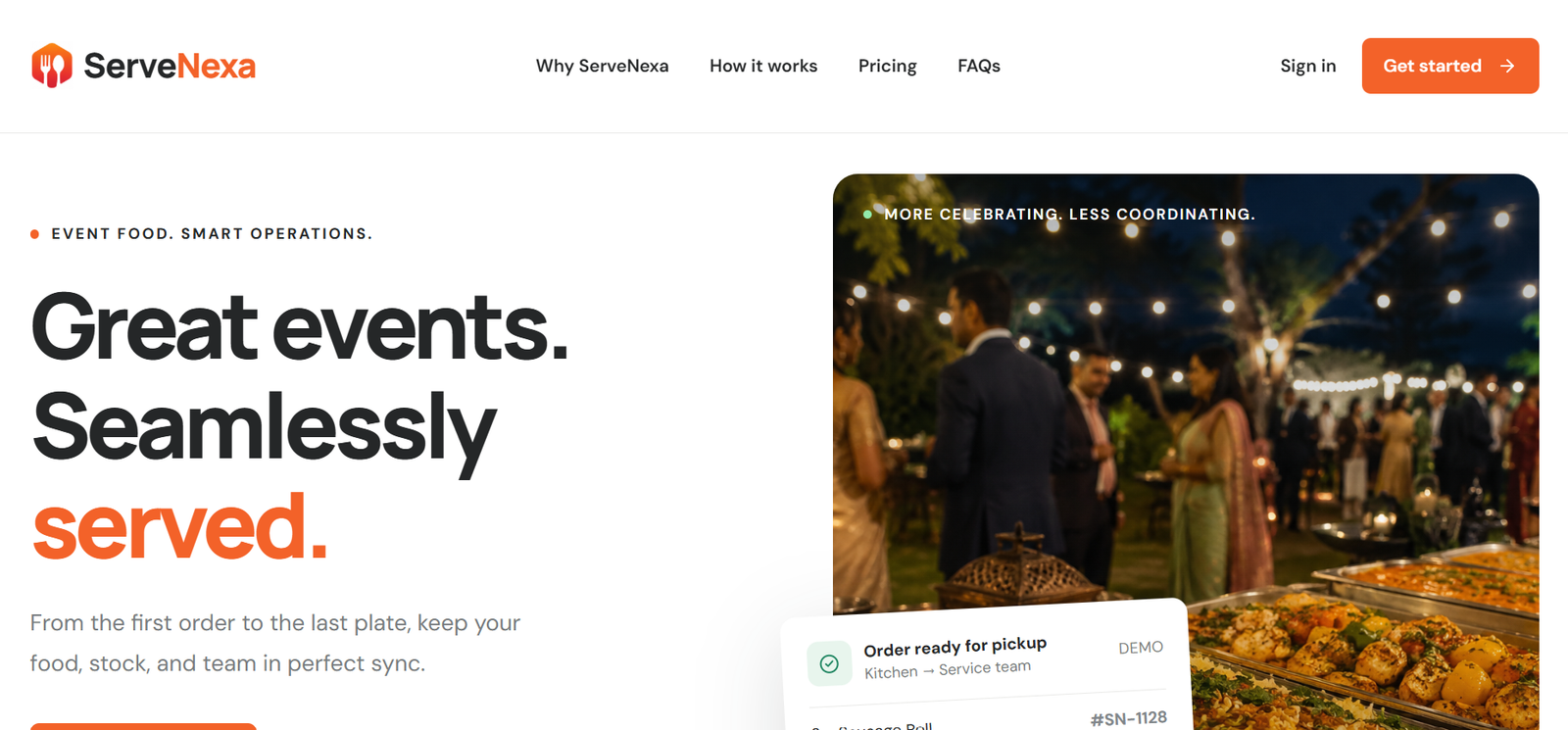
From taking orders to tracking stock and payments, Servenexa keeps every stall and device in sync at your event.
Your food operation, connected in a few simple steps — with support at every stage of the event.
Add your food items, prices, and available servings — giving your team a clear starting point.
Connect every stall and device so they draw from one shared, synced stock pool.
Take orders on any device and watch stock stay accurate across every stall, automatically.
Stock is held the moment a cart is built and only committed once payment is approved.
Follow stock levels throughout the event, restock in a tap, and never guess what's left.
Share your requirement — event setup, stock sync, payments, or a demo — and our team will get back to you with the right solution.
📧 We'll reply within 24 hours with the right solution · No spam, ever
Thank you! Our team has received your request and will get back to you within 24
hours with the right solution.
In the meantime, feel free to reach us directly:
📞 +91 84689 00600 | 📧 support@servenexa.com
Securely pay your Servenexa invoice online using UPI, cards, net banking, or wallets via Razorpay.
Enter your invoice details below to proceed with secure payment.